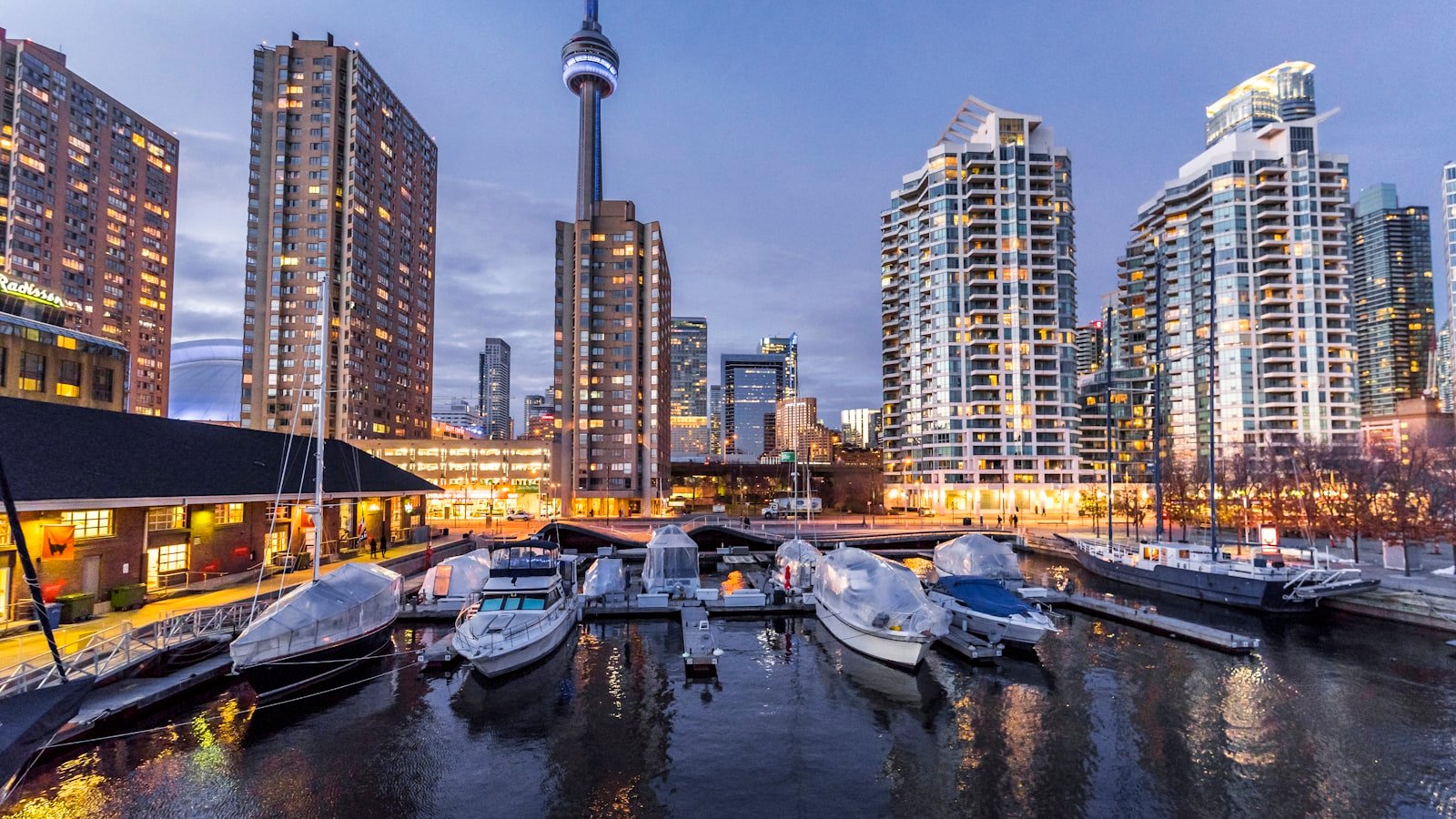
IPTV in Toronto: Rogers, Bell, condo Wi-Fi and Leafs streaming.
Toronto is the single biggest IPTV market in Canada — and also one of the most technically awkward, because two-thirds of the city is in condos with congested 2.4 GHz Wi-Fi, and the other third is split between Rogers Ignite and Bell Fibe. This guide covers the setup specifics for each.
Internet reality in Toronto (2026)
Across GTA households, the ISP mix is roughly:
- Rogers Ignite (~50% of GTA) — XB7 and XB8 gateways dominate. Plans range 150 Mbps to 1.5 Gbps. IPTV works well on any Ignite plan from 300 Mbps up.
- Bell Fibe (~35%) — Home Hub 3000 and 4000 gateways. All-fibre downtown core, copper-fibre hybrid in older inner suburbs. Fine for IPTV with one config tweak.
- Resellers on Rogers/Bell (TekSavvy, Start.ca, VMedia, ~10%) — same underlying lines, same behaviour as the host ISP.
- Other (Carrytel, independents, ~5%).
Rogers Ignite setup tips
Rogers Ignite handles IPTV well by default. The one reliable fix for buffering on Sportsnet Ontario or TSN 1 during Leafs games:
- On your Firestick, switch from the 2.4 GHz SSID (often "Rogers24xxx") to the 5 GHz ("Rogers5Gxxx").
- If your Firestick is in a bedroom far from the gateway, consider running Ethernet — $12 Firestick Ethernet adapter on Amazon, cures 90% of random stutters.
- If you have the XB6 (older), ask Rogers to ship an XB8 — it's free on most plans and materially better for streaming.
Bell Fibe setup tips
If you have an HH3000 or HH4000 and IPTV buffers during primetime, the fix is almost always disabling IGMP proxy:
- Open the Bell app → Wi-Fi → Advanced → disable IGMP proxy.
- Reboot your Firestick (unplug 10 seconds).
- Test TSN 1 for 10 minutes.
If you also subscribe to Bell Fibe TV and can't disable IGMP without breaking it, the cleanest solution is a travel router (GL.iNet AR300M, ~$70) on guest Wi-Fi, with IGMP off on that segment. Separation of concerns.
Condo Wi-Fi survival
Toronto condos are the worst-case scenario for Wi-Fi — a wall-mounted gateway in the foyer, 40 neighbours on overlapping 2.4 GHz channels, a Samsung TV 8 metres away through two drywall partitions. Three things help:
- 5 GHz always. 2.4 GHz in a Toronto condo is unusable for 4K streaming.
- Mesh or Ethernet. If 5 GHz doesn't reach, add a mesh node (TP-Link Deco X20 starter pack, ~$200) or run a short Ethernet to a single Firestick with a USB-C/Ethernet adapter.
- Wi-Fi 6E on the 4K Max. The Firestick 4K Max supports Wi-Fi 6E, which uses the uncongested 6 GHz band — worth the extra $10 over the 4K if your router is 6E-capable (most 2024+ routers are).
Toronto sports on FineIPTV
The Toronto sports universe is well-covered on our Canadian sports package. Channels relevant to a Leafs/Raptors/Jays/TFC household:
- Sportsnet Ontario (Leafs home broadcast)
- Sportsnet (flagship, national)
- Sportsnet One, Sportsnet 360
- TSN 1 (Toronto regional feed — Raptors home broadcast)
- TSN 2, 3, 4, 5
- NBA TV Canada (Raptors playoffs coverage)
- MLB Network (Jays national broadcast)
- TLN (Toronto FC)
Plus the US sports networks (ESPN, Fox Sports 1, NBA TV, MLB Network US feed) for cross-border coverage.
Québec and international — relevant to Toronto households
Toronto has the largest South Asian, Chinese, Filipino, Caribbean, Portuguese, Italian and Middle Eastern populations in Canada. Our international packages are strongest in:
- South Asian (Hindi, Urdu, Punjabi, Tamil, Bengali) — 1,100+ channels
- Arabic — 1,200+ channels
- Filipino — GMA News, ABS-CBN affiliates, TFC
- Portuguese (Portugal + Brasil) — RTP, SIC, Record, Globo
- Italian — Rai 1/2/3, Canale 5, Rete 4
- Chinese — Fairchild, Phoenix, TVB, CCTV-4
Getting started in Toronto
- Grab a 24-hour free trial — we email credentials within minutes.
- Install TiviMate on your Firestick — full guide.
- Paste credentials. Set timezone to
America/Toronto. - Favourite Sportsnet Ontario + TSN 1 first. Watch 10 minutes to confirm it's smooth.
Support is 09:00–23:00 ET — same timezone as you. WhatsApp us if anything looks off.