IPTV not working? Find the cause in five minutes, from login errors to black screens
When IPTV stops working, the cause sits in one of four places: your login, the app, your home internet, or the provider’s server. The short answer: test the same login on a phone first. If it plays there, the problem is the TV device or its app; if it fails everywhere, check your subscription date and your provider’s status. A stream that starts and then stutters is a different problem, covered in our buffering guide.
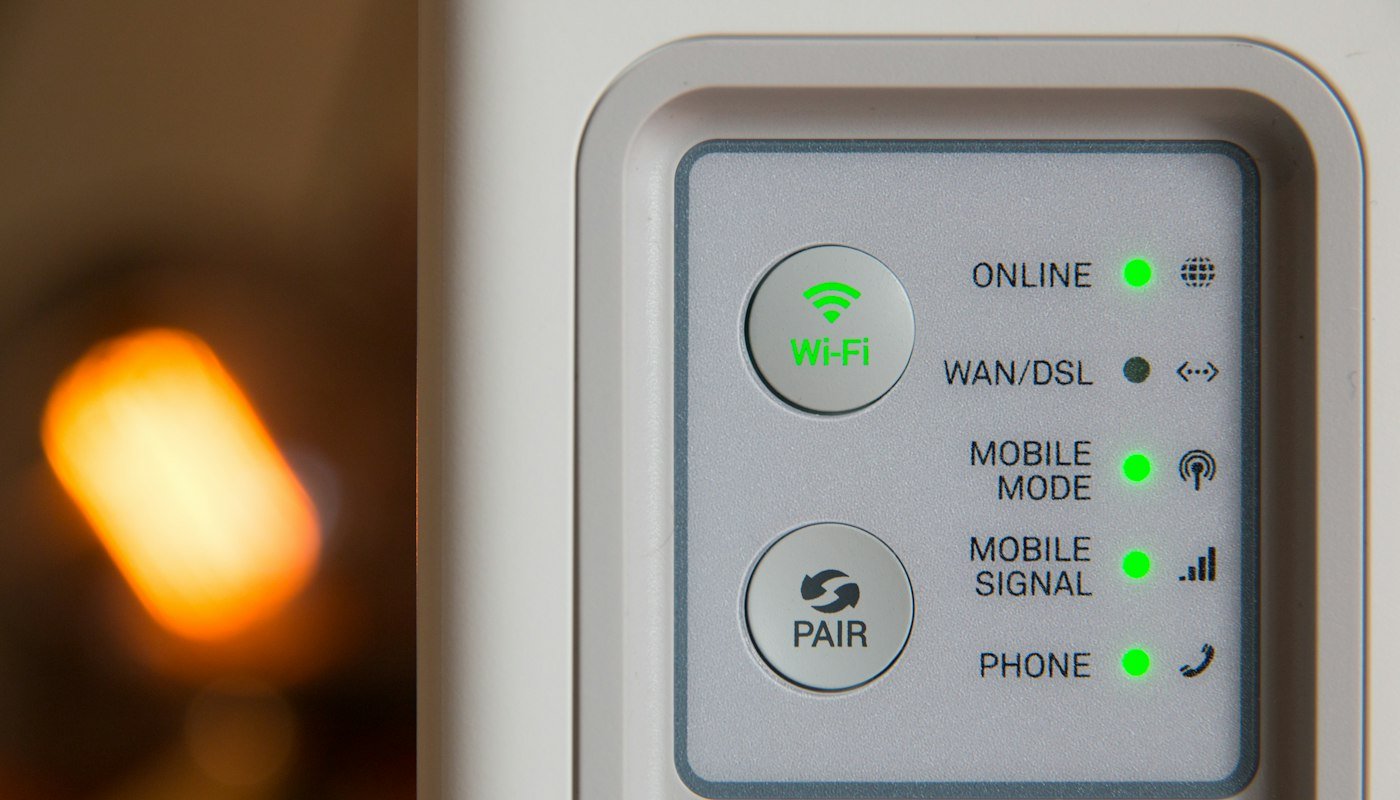
Narrow it down in one test
- Testing the login on a second device tells you in two minutes whether the fault is local or with the service.
- An error at sign-in usually means a typo or an expired plan, not a broken server.
- Bell and TELUS both publish outage checkers, and Bell offers a remote modem reboot after you sign in.
- Stutter and freezing are covered separately in the buffering guide.
What each symptom usually means
| What you see | Most likely cause | First thing to try |
|---|---|---|
| Login failed or invalid credentials | Typo in the login details, or the plan ended | Retype the details from the original email and check the end date |
| App opens, channel list empty | Playlist did not download | Refresh the playlist; re-add it if that fails |
| Channel list loads, nothing plays | Server issue or expired plan | Try several channels and a second device |
| Black screen with sound | Video format or hardware decoding setting | Switch the player’s decoder between hardware and software |
| App closes on its own | App crash after an update | Update the app, then force stop and reopen |
| Everything stopped at once, all apps | Home internet outage | Check your ISP’s outage page and restart the modem |
The fix, in the order that saves the most time
- Play the same channel on your phone using the same login. This splits the problem in half.
- Check your subscription end date in the email or account page.
- Restart the TV device fully. On a Fire TV, use Settings, My Fire TV, Restart, not just the power button on the TV.
- Update the player app. On Google TV, open Google Play, select your profile, then Manage apps and games and Update all.
- Force stop the app and reopen it. On Google TV this is Settings, Apps, select the app, Force stop. On Fire OS, clear the cache under Settings, Applications, Manage Installed Applications.
- Restart your modem or gateway and check for an outage on your ISP’s website.
- Contact your IPTV provider with the exact error text and the device you use.
Checking your internet provider first
| Provider | Where to check | What it offers |
|---|---|---|
| Bell | support.bell.ca, Outage check | Outage status by area, plus a remote modem reboot after you sign in |
| TELUS | telus.com/en/outages | Outage status for internet and TV services |
| Rogers, Vidéotron and others | The provider’s support site or app | Look for an outage or service status notice |
If streaming apps on the same TV also fail, the fault is almost certainly the internet connection rather than IPTV.
What you cannot fix at home
A server outage at the provider’s end, or a stream the broadcaster has stopped, will not come back with any restart. Changing networks to get around a block is not something we advise. If a channel is dark for everyone, wait for the provider’s update.
Getting help from FineIPTV
Send us the exact error text and your device through our contact page and we can tell you quickly whether it is your login or our side. Support runs 9 a.m. to 11 p.m. Eastern, every day. The best IPTV Canada page has the rest of the service details.
IPTV not working: questions, answered
Why did my IPTV stop working suddenly?
The most common causes are an expired plan or an app update that broke playback, with a home internet outage close behind. Test the login on a phone to narrow it down.
Is IPTV down today?
Check whether the same login works on another device and whether other streaming apps work at home. If both fail, the issue is your internet; if only IPTV fails everywhere, contact your provider.
Why does IPTV say invalid login?
Usually a typing error in the login details or a subscription that has ended. Retype the details from the original email.
Why do I get a black screen with sound?
The player is struggling with the video format. Switch the decoder between hardware and software in the player settings.
Does restarting the modem help IPTV?
Often, yes, when other apps are also slow or failing. Bell lets you reboot its modem remotely after you sign in to its support site.
Next steps
Send us the exact error text and your device through our contact page.
- Fix stutter with the buffering guide.
- Check the guide setup in the IPTV EPG guide.
- Recheck the login screen in the IPTV app setup guide.
- Test a fresh login with the free 24-hour trial.